
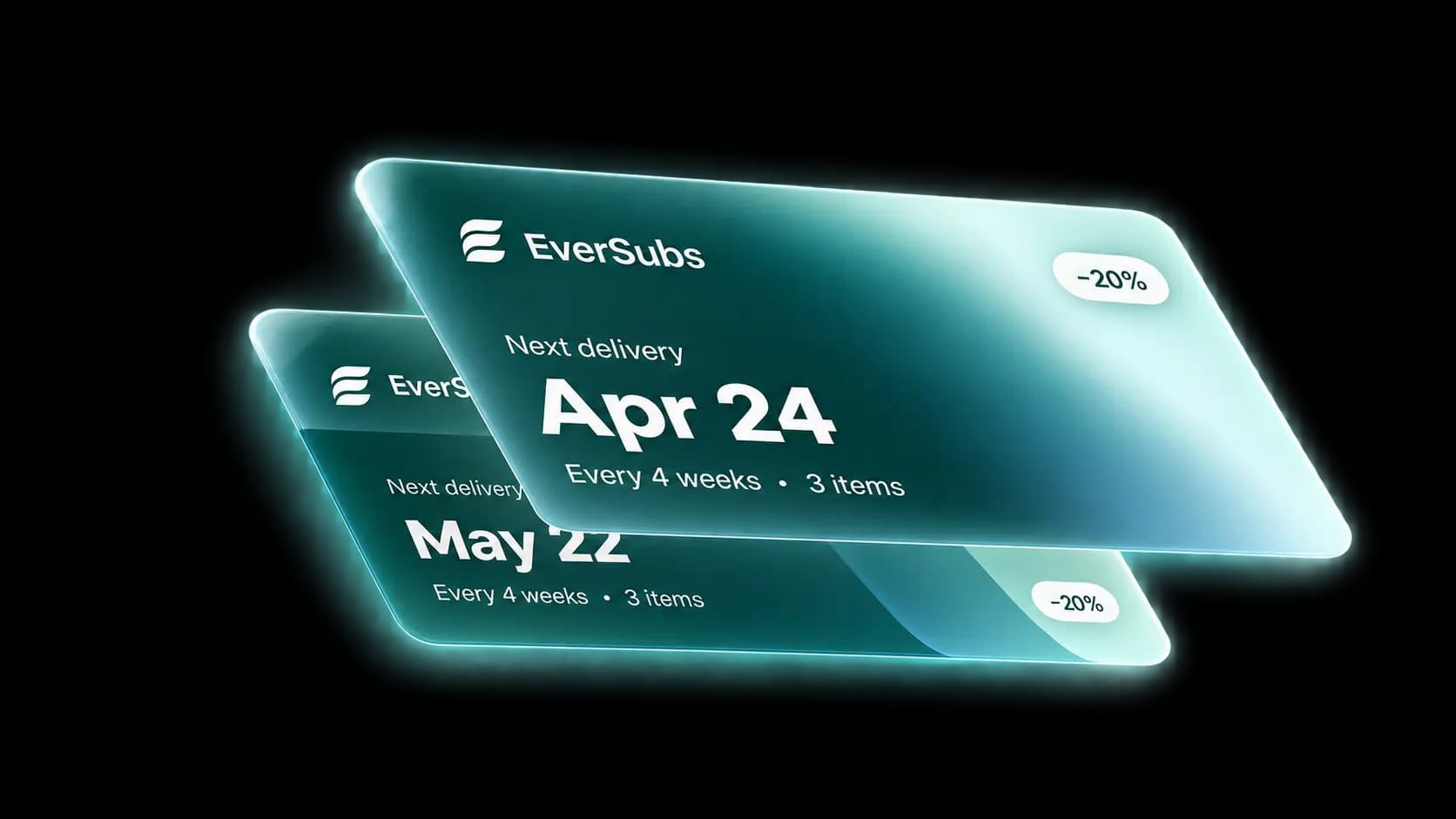
More Subscribers and Less Churn.
Every change your support team needs, down to the line item
Headless or Liquid, the same subscriptions
Hands-on migration from Recharge, Loop and all others
The Shopify subscription app for operations-heavy brands. Deep contract management, delivery-date logistics, and a cancel flow that saves customers instead of losing them.
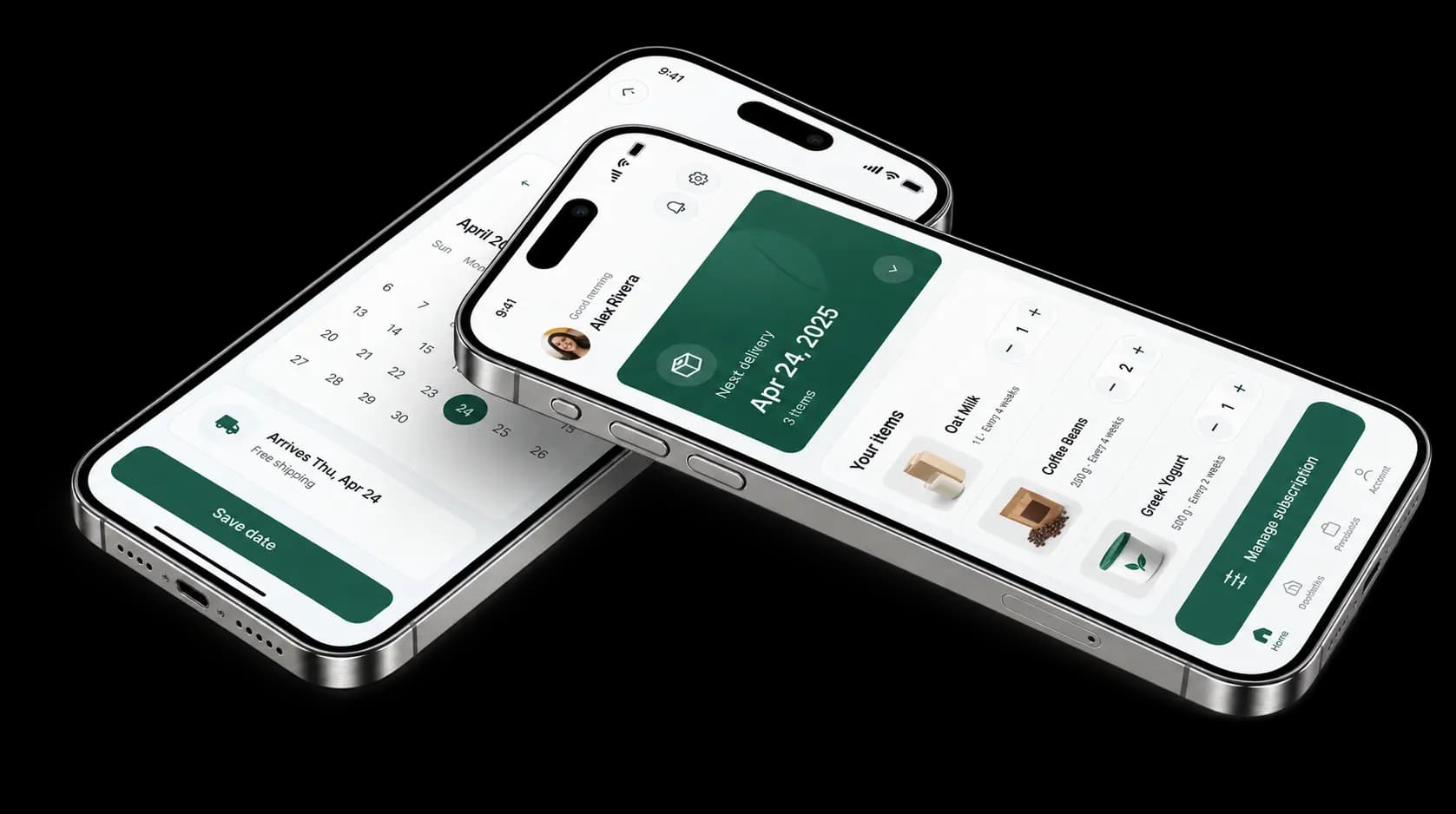
Brands that left Recharge and Loop, and what changed for them.
We got a better product for less money, with way better support.
 Casimir RobCEO · Every Foods
Every Change Your
Support Team Needs
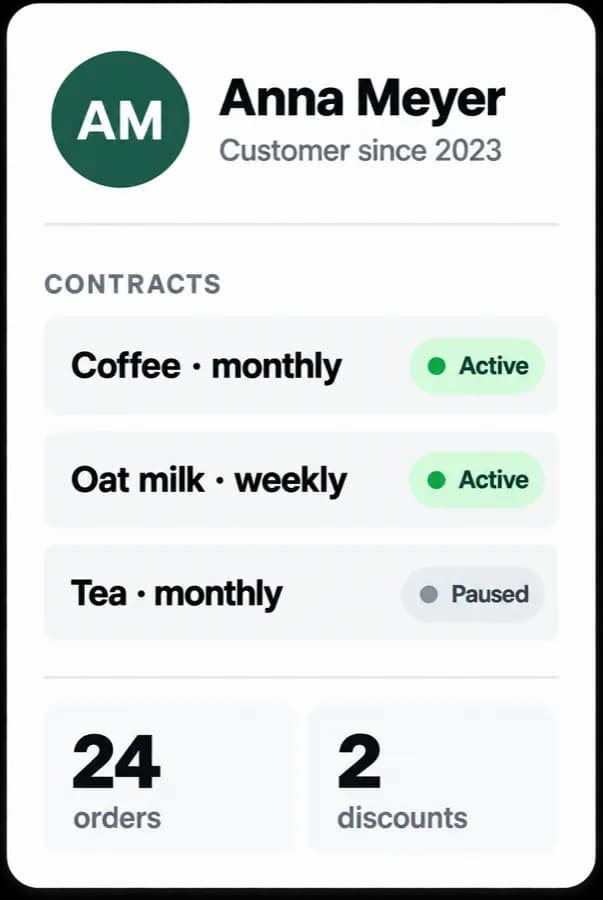
Pause, skip, reprice, swap, change address or payment, all in the admin, without a developer.
Change the price or quantity of a single product inside the box without touching the rest of the contract. When a customer wants one item on its own schedule, split it out in a click, and merge two contracts back together just as easily.
What Happens When
Someone Hits Cancel
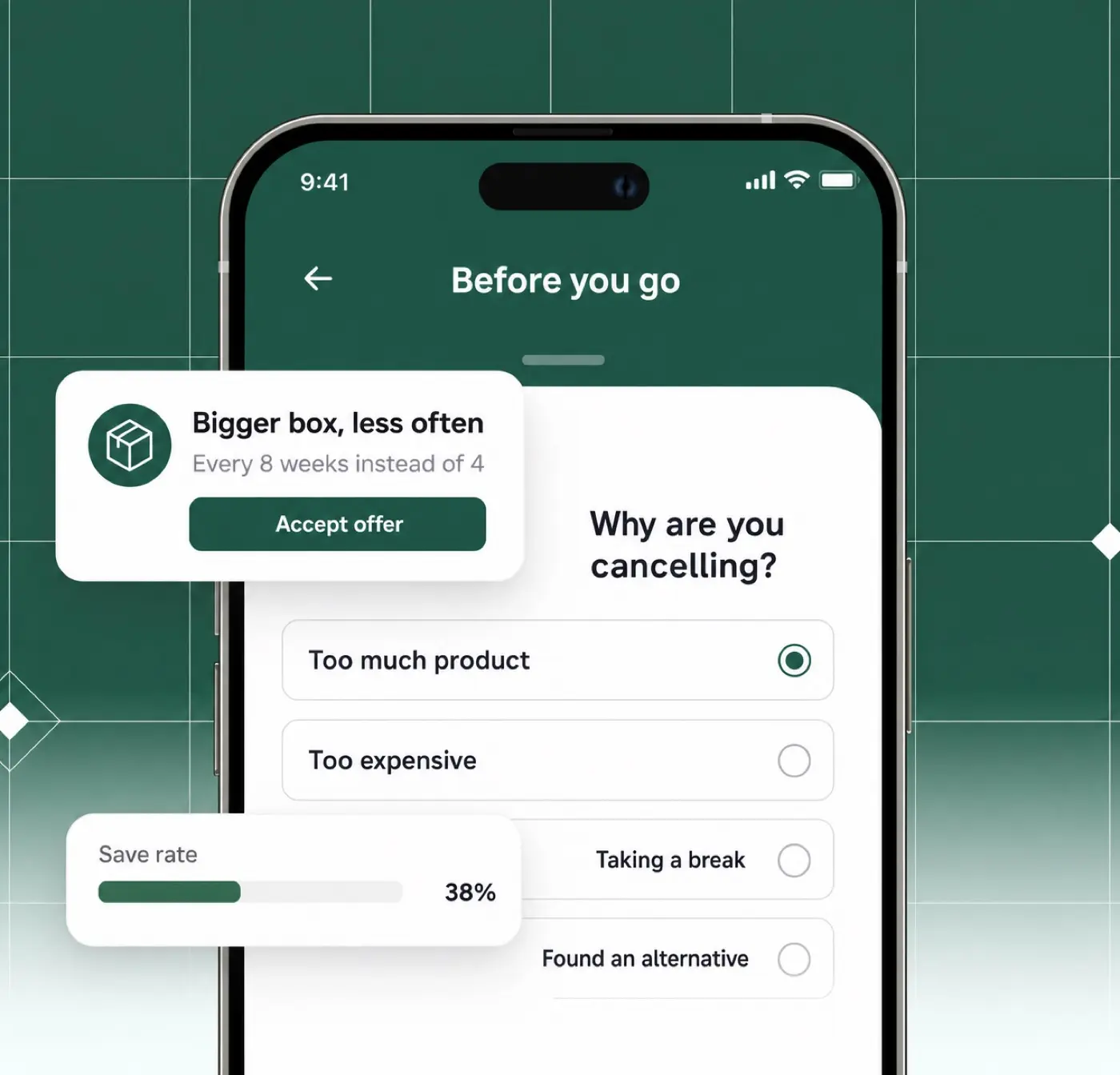
The cancel button opens your flow. You ask the reason, then show the save offer that fits that customer.
Capture the Reason, Then Make the Save
Ask why, then offer the right save: a discount, a skipped delivery, a free gift, a bigger box less often, aligned delivery dates, or a hand-off to your support team.
Target offers by lifetime spend, order count, active contracts or a customer metafield, and set a cooldown so nobody farms the same discount twice.
Then see which reasons drive the most cancellations and which offers save them, measured per reason and per offer.
Book a demo
Your Customers Manage It Themselves
Every routine request that lands in your support inbox today, subscribers handle themselves, including the ones that grow the order, like adding an item to the next box or starting a second subscription.
Move a delivery forward
Ran out early? The customer confirms in their account and the order goes into packing the next day, with no email to your team.
Start a whole new subscription
Without going back to a product page, and without a single message to your team.
Skip the next delivery
One tap in the account page. The schedule shifts to the following delivery, no support ticket needed.
Change frequency, quantity or variant
Swap to a different size or scent, order more or less often, or move the next order date.
Add a one-time product
Bolt an extra item onto the next box from a collection you choose. That goes straight into average order value.
Update address and payment
Edit shipping details, change the card, or request a secure payment-update link by email.
Opt out of bundling
Parcel consolidation runs automatically. Customers who prefer separate deliveries switch it off themselves.
Your Storefront,
Our Subscription Engine
On Liquid
Theme app block on the product page, works with any theme
Customer portal inside the Shopify account area
Delivery date picker inside Shopify checkout
Auto-renews, skip or cancel anytime.
On Headless
Versioned storefront REST API for contracts and line items
Customer-scoped tokens minted from your own backend
The full cancel-and-save flow, driven from your frontend
POST /v1/customers/storefront-tokensPOST /v1/line-items/skip-next-deliveryGET /v1/churn-prevention/offersPOST /v1/subscriptions
Where Your Team
Runs the Programme
Built on Shopify's native subscription contracts, with the operational depth a high-volume programme needs.
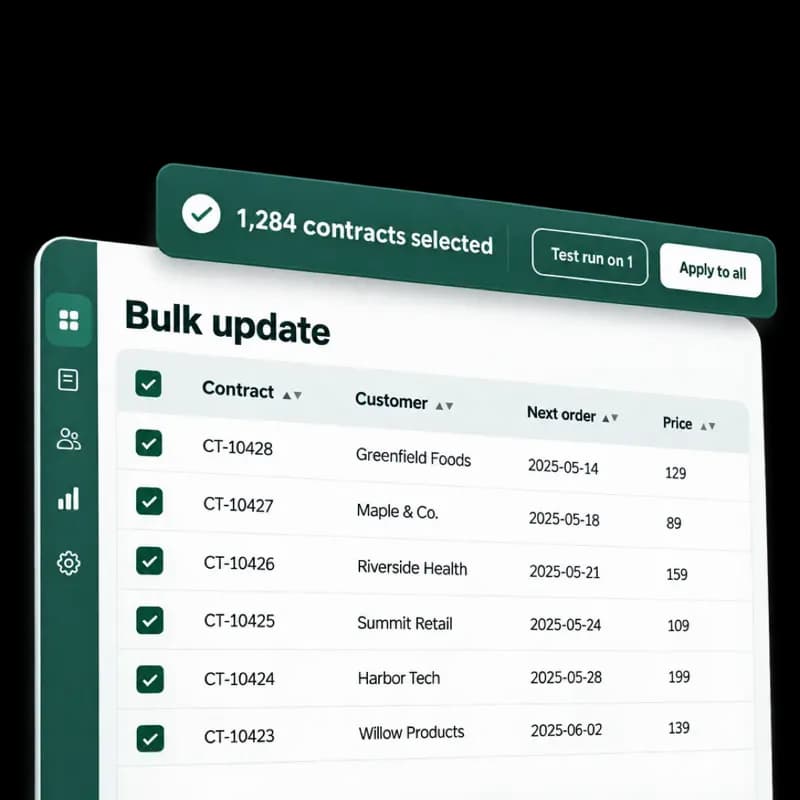
Change Thousands of Contracts at Once
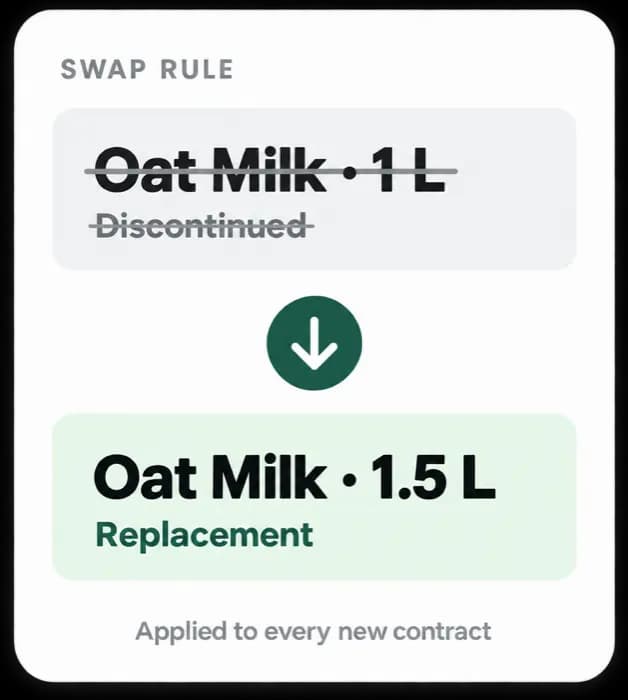
Price, interval, quantity, product, delivery date or status, across every contract matching your filter or CSV. Nothing runs until a single-contract test run has proved it.
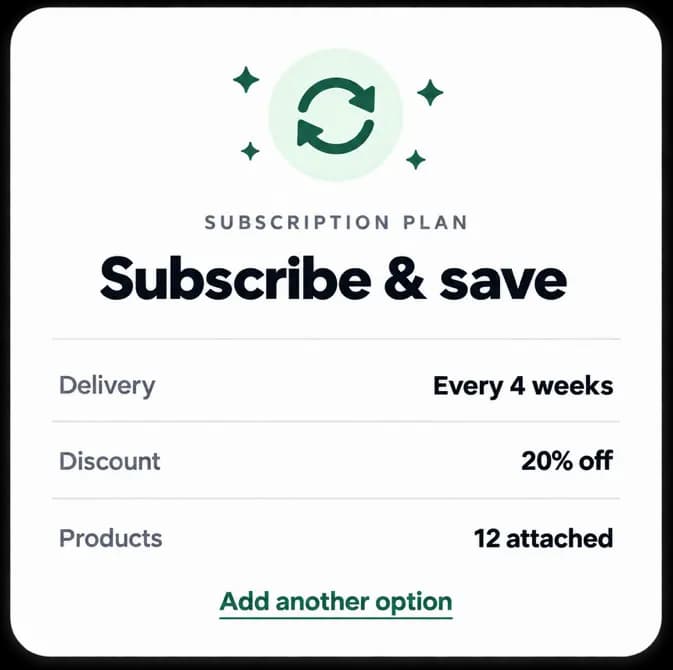
Plans that fit your catalogue
Delivery intervals in weeks, months or years. Percentage, fixed-amount or fixed-price discounts. Built right on the Shopify product page.
A Discount Ladder That
Rewards Loyalty
A flat rate on every delivery treats a four-year subscriber exactly like a first-timer. EverSubs sets the opening offer at checkout, then steps it up on every renewal as the subscription matures.
Each step runs for as many billing cycles as you choose.
Different discounts for the 2nd, 3rd and 4th delivery
Set an initial offer, then add as many steps as you need. Each step has its own value and applies for as many cycles as you choose. Customers see exactly where they are, including how many billing cycles remain.
Everything Else
You Would Miss
The operational details that decide whether a subscription programme runs smoothly at volume.
Delivery dates
Per-weekday cut-offs and lead times, daily capacity caps, blackout dates and postal-code coverage, plus the date picker in checkout.
Transactional email
Pre-delivery reminders, failed-payment notices and cancellation confirmations, sent from your own verified domain in the language you need.
Payment recovery
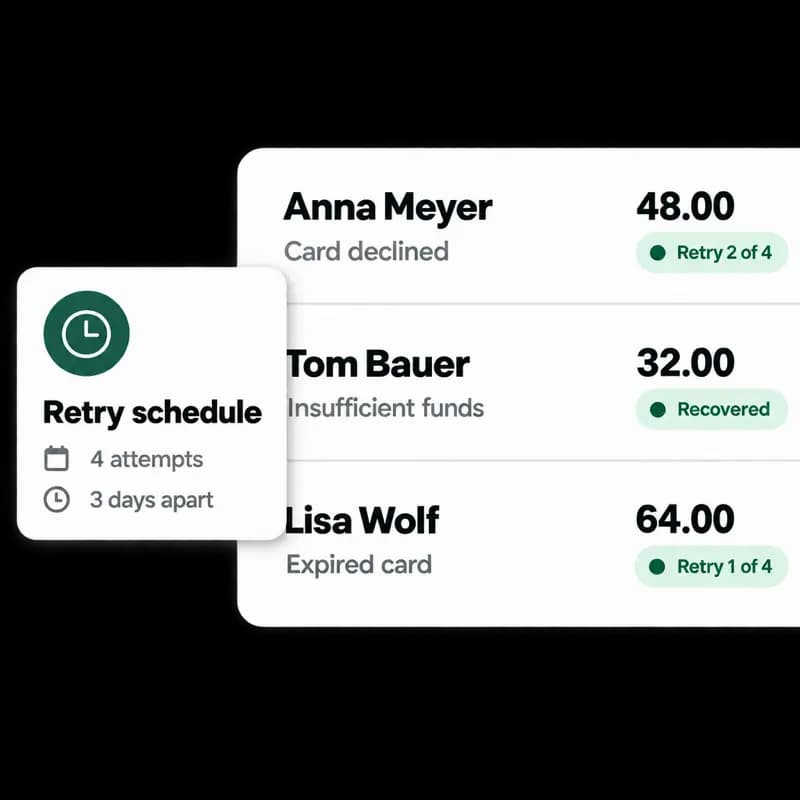
Set your own retry count and spacing. Failures land in a queue grouped by customer, with the processor error and a one-click retry.
Inventory issues
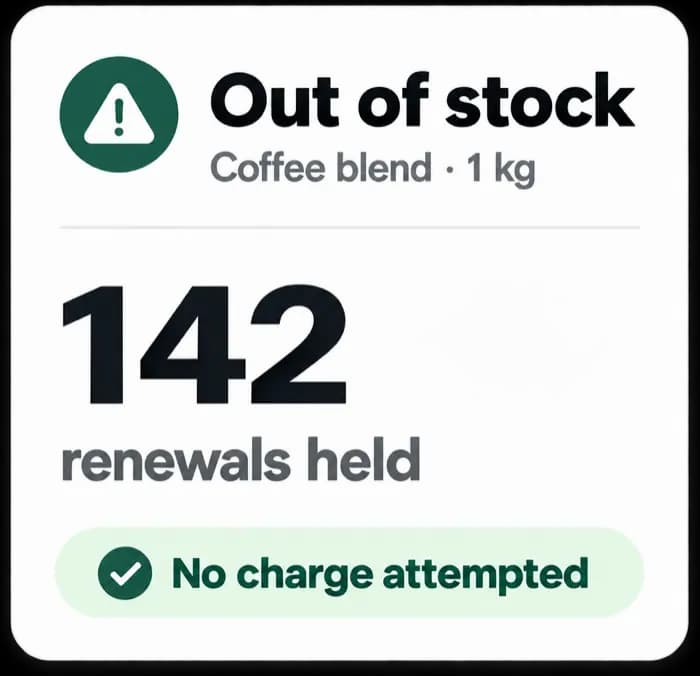
Renewals are stopped before they fail on out-of-stock items, with the affected customers and subscriptions listed.
Analytics
Revenue split new against recurring, subscriber movement, and a nightly export into your own BigQuery project.
Audit log
Every contract change attributed to the person who made it, with the full history on the contract itself.
Subscription Events
In Your Other Tools
 Connections
How We Compare
Feature by Feature
Where EverSubs matches Recharge and Loop, where it goes deeper, and where it does not compete.
Missing a feature? We can build it
We are a small team, so a request from one merchant can actually get built. If you need something that is not in this table, tell us on the call.
How We Move You
Across
Moving a live subscription programme is the risky part. We run it in tested stages, together with your team, and most brands come out the other side running fewer apps than they went in with.

A call with your team to go through your existing plans, discounts and contract data, including the add-on apps you are paying for that EverSubs already covers.
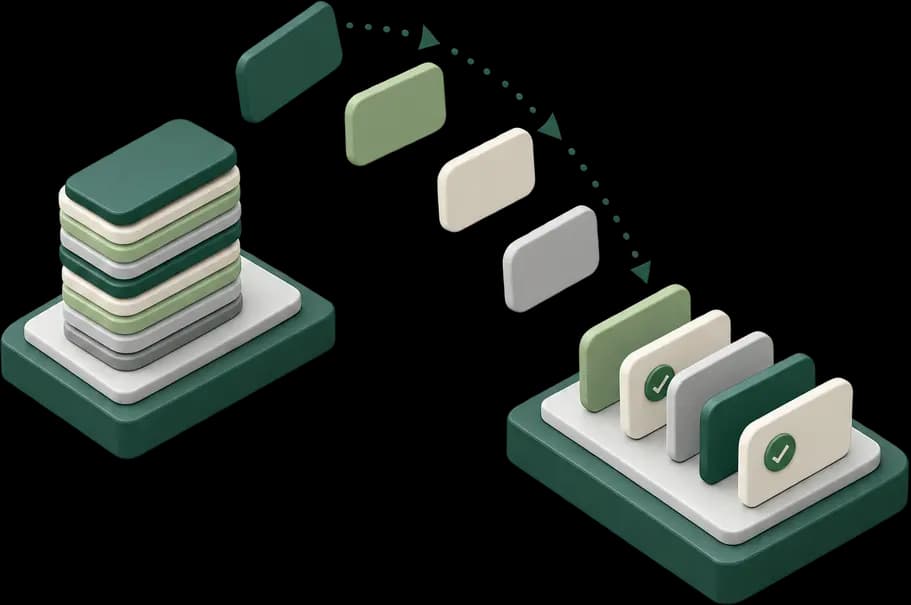
Contracts move in tested batches, checked against your existing programme. Duplicated discounts and other inherited problems get fixed on the way across rather than copied over.

Support does not stop at launch. We stay close through the first billing cycles, which is when the questions that matter show up.
Most brands leave with fewer apps than they arrived with
A migration opens up your whole setup anyway, so we go through all of it. Cleaning up what the old system accumulated has saved merchants six figures.
- Add-on apps you pay for that EverSubs already covers come off the bill.
- Processes get rebuilt to work properly instead of carried across as they were.
- Duplicated discounts and inherited errors are fixed on the way, not after.
What Brands Say
After the Switch
Teams that moved a live subscription programme across, in their own words.
With EverSubs, we basically got a better product for less money, with way better support. The team is incredibly responsive and works with us like a true partner. During the migration, they were super careful and actually helped us fix some costly legacy errors. Thanks to them, we've managed to drop a lot of tech debt, consolidate our tools, and optimize our workflows.
Casimir RobCEO · Every FoodsEverSubs transformed our sustainable cleaning products subscription. The intelligent retention features helped us maintain strong customer relationships while our eco-conscious subscribers appreciate the seamless experience.
 David LöweCo-Founder · Everdrop
Built for a Steadier
Week of Deliveries
The latest improvements to help your subscription operation run with less manual work.
Automation
Order smoothing
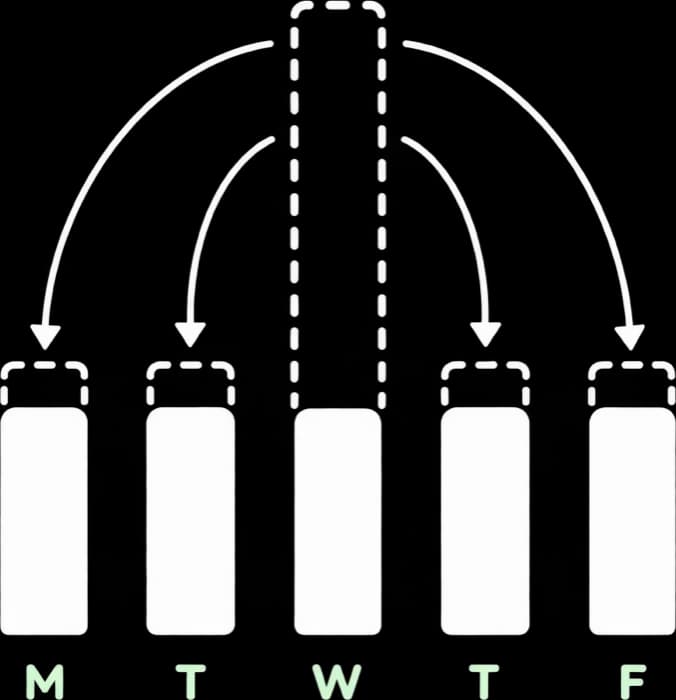
Move upcoming subscription orders from busy delivery days to the ones with more capacity.
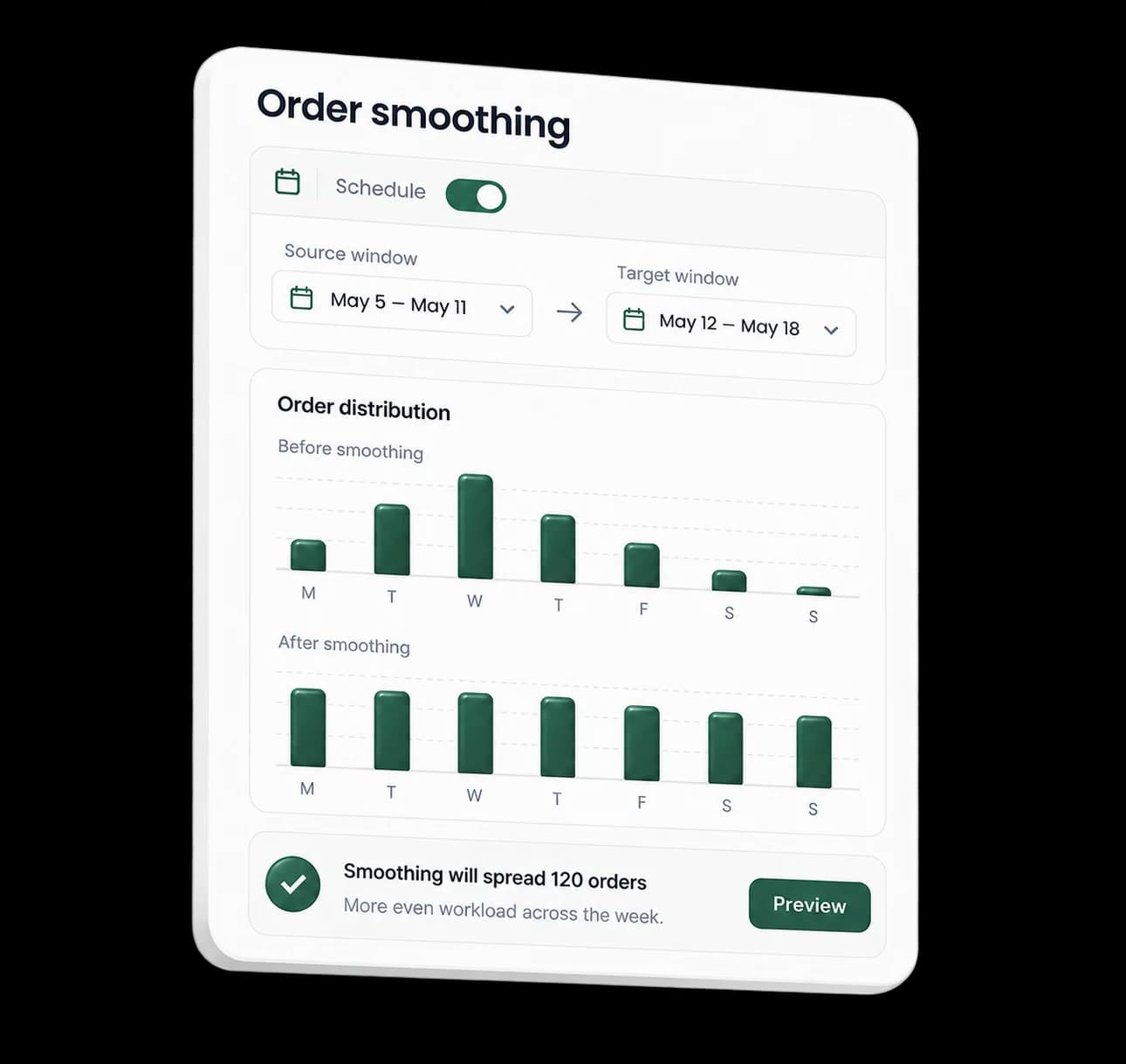
See the distribution before and after smoothing, so you always know how a run will affect the result.
When too many subscription orders land on the same weekday, it puts pressure on picking, delivery and customer support. Order smoothing spreads that volume more evenly before orders are processed.
You can rebalance that volume automatically: it spreads subscription orders across a future date range you define. You can make that spread even or select specific days with more warehouse or carrier capacity.
Order smoothing helps you
- Reduce pressure on busy days.
- Iron out fulfilment volume.
- Use available warehouse and carrier capacity efficiently.
- Run the same scheduling rules each week.
Fine-tune a run
Limit how many subscriptions move in one run, and skip orders a customer has recently moved or changed.
Set it up in eight steps
- 1Go to Settings → Automations → Order Smoothing.
- 2Select the fulfilment location, if you have more than one.
- 3Pick the weekday when the automation runs.
- 4Set the source window: the orders to consider.
- 5Set the target window: the date range where orders can move to.
- 6Choose an even distribution across your preferred days, or prioritise specific days.
- 7Choose whether to minimise the number of moved orders or the size of each date change.
- 8Review the preview and enable the automation.
Some of you may have already come across the order smoothing. Indeed, it existed before - via bulk updates. But teams had to do it every Friday or so to, for example, smooth the weekend load. Now, the new automation will do it for you!